List the operating tasks
Describe the movements and work sequences you want to teach, such as coordinated control, digging or loading practice. These are requirements to confirm, not a list of included software features.
MOTUSSIM / 02
Start with the operating tasks and the control pattern you want learners to practise. Ask for confirmation of the software exercises and hardware arrangement rather than assuming every machine or attachment is simulated.
Discuss your requirements ↗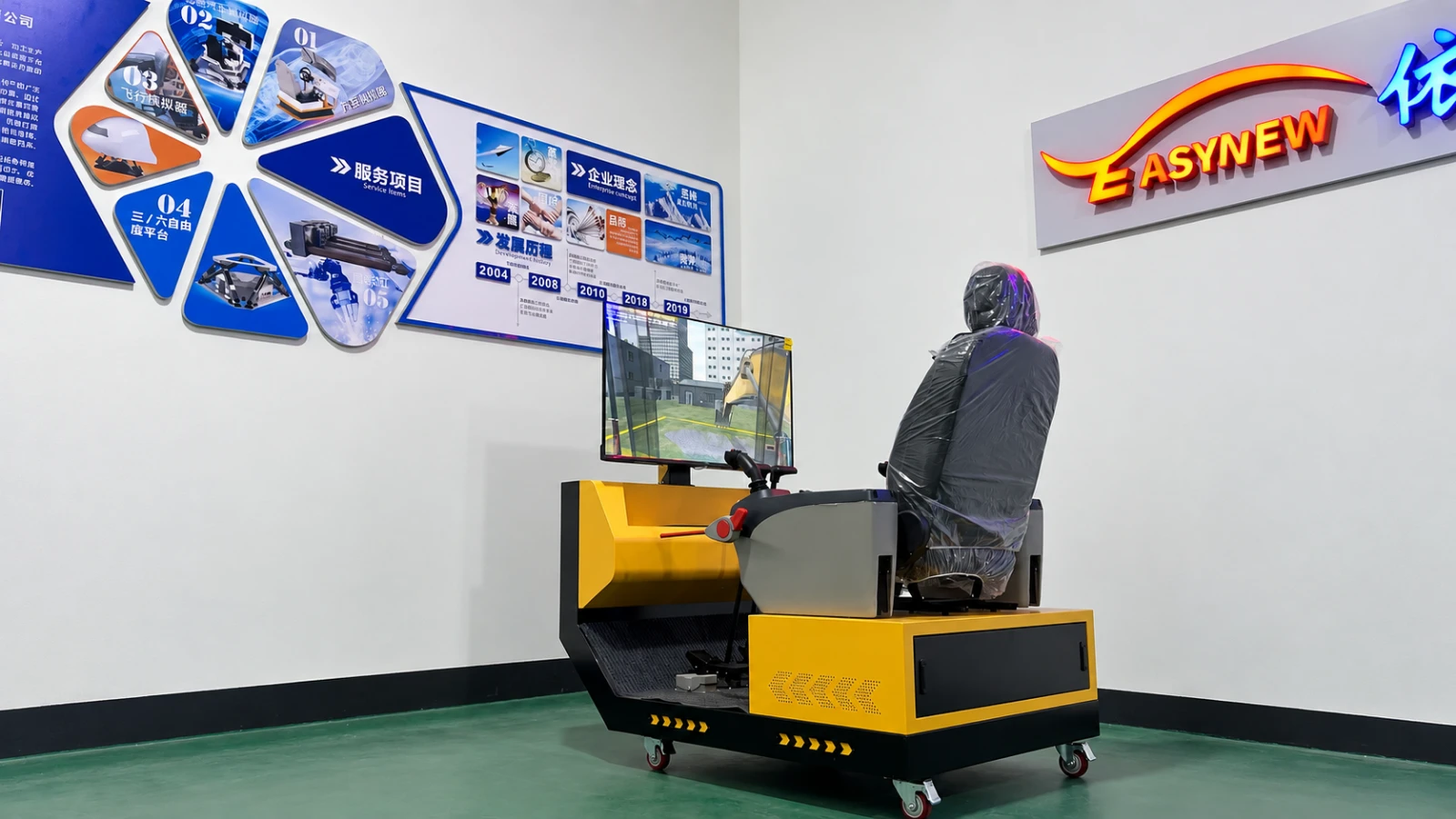
01
Describe the movements and work sequences you want to teach, such as coordinated control, digging or loading practice. These are requirements to confirm, not a list of included software features.
Share the intended control pattern, lever and pedal requirements and any reference photos. Confirm whether you need a complete simulator or an operator-control assembly.
Provide the learner count, display preference, instructor needs and room dimensions. Discuss supervision and how practice sessions will be organised.
02
| Decision | Option to consider | What to confirm |
|---|---|---|
| Complete simulator or controls | Define whether you need the whole training system or a control assembly. | Hardware, computer, software and integration responsibilities. |
| Screen arrangement or VR | Compare visibility, supervision and available space. | Supported configuration, headset supply and software compatibility. |
| Training software | List the tasks and machine behaviours you need. | Included scenarios, available languages and any assessment functions. |
03
Exact configuration, compatibility and delivery scope must be confirmed in the quotation. If a technical detail is unknown, leave it open for discussion.
Discuss your requirements ↗04
This guide concerns simulation training. Do not assume a simulator includes remote control of a real machine; that would require a separate technical discussion.
No such assumption should be made. List the attachments, tasks and assessment requirements for confirmation against the proposed software.
Yes. Explain the hardware and integration scope you need so we can confirm what can be supplied.
Compare training goals, car and truck controls, displays and motion options before requesting a driving simulator configuration.
Read guide 03Prepare total payload, centre of gravity, motion, space and integration requirements for a 6DOF motion platform enquiry.
Read guide