Reduce basic-training consumption
Practise repeated starts, gear changes, braking and observation on the simulator to reduce fuel and mechanical wear on training trucks.
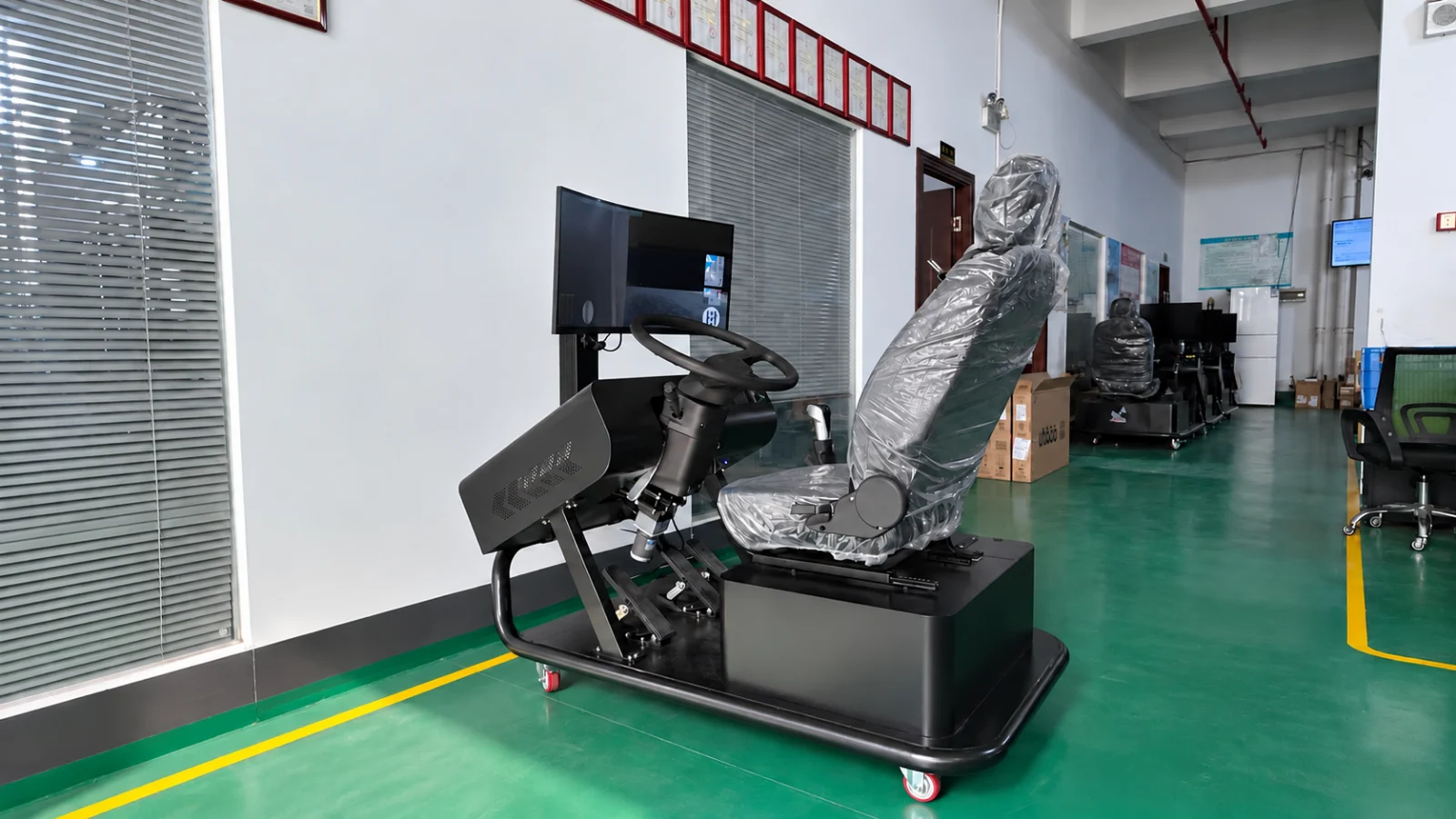
Simulator products / YSL-TRK-C34-M-V1
A single-screen static driving training system for commercial vehicle training, vocational colleges and professional driving schools.
A heavy-vehicle cockpit, physical pedals and gear controls, and a 34-inch curved screen support basic controls, road driving and safety practice in a controlled environment before real-vehicle training.
APPLICATIONS & VALUE
Practise repeated starts, gear changes, braking and observation on the simulator to reduce fuel and mechanical wear on training trucks.
A 34-inch curved screen displays the driving scene, with software mirrors supporting road observation and basic control practice.
Learn the larger steering wheel, three pedals, gears and vehicle dimensions before training in a real truck.
Support consistent basic teaching for transport operators and colleges; vehicle types, scoring and reports depend on the delivered software.
Practise urban, motorway and mountain driving in rain, snow, fog and at night, supplementing conditions that are difficult to arrange consistently in real training.
Use simulated brake failures, fatigue and unexpected events to practise hazard recognition and appropriate responses.
Support new-driver orientation, refresher practice and staged college teaching and assessment preparation.
Reduce dependence on outdoor areas, weather and vehicle schedules to organise equipment and teaching time more flexibly.
Standard configuration
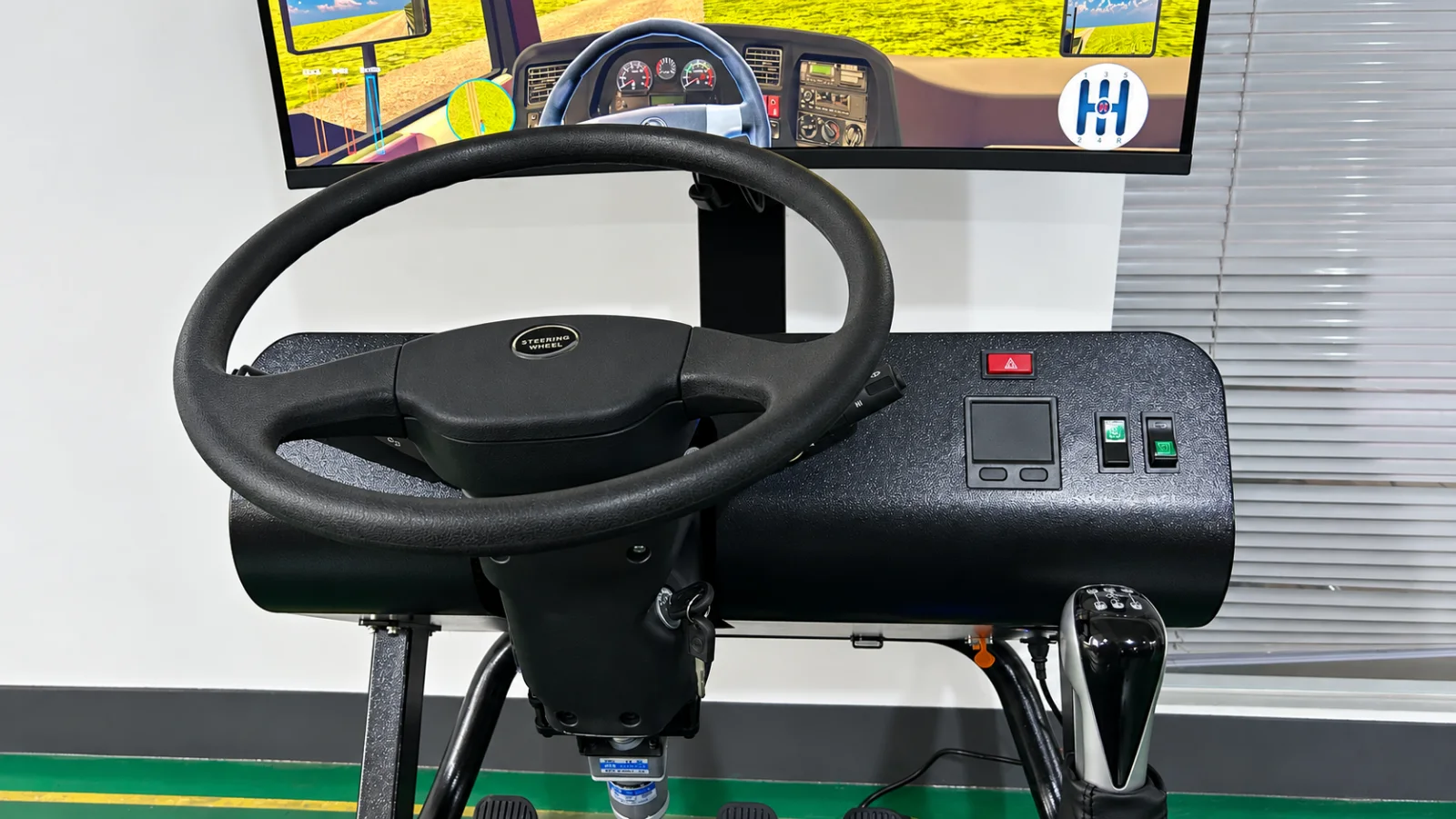
Vehicle type, driving layout, software scenarios, instructor workstation, VR and motion options are confirmed for each project and order.
Equipment demonstrations
See the equipment and physical controls. The video loads on demand and does not autoplay.
Driving simulation software
Software is configured with the hardware, covering basic controls, manoeuvres, road driving, hazards, scoring and driving aids, with language and course adaptation available by market.
The cockpit can be configured for left- or right-hand drive. The software viewpoint, instruments and control logic follow the selected layout to match physical and virtual driving positions.
Steering, gears, accelerator, brake, parking brake and lights practice.
Reverse parking, parallel parking, curves, right-angle turns, hill starts, narrow gates, manholes, uneven roads, gear changes and single- or double-sided bridge exercises.
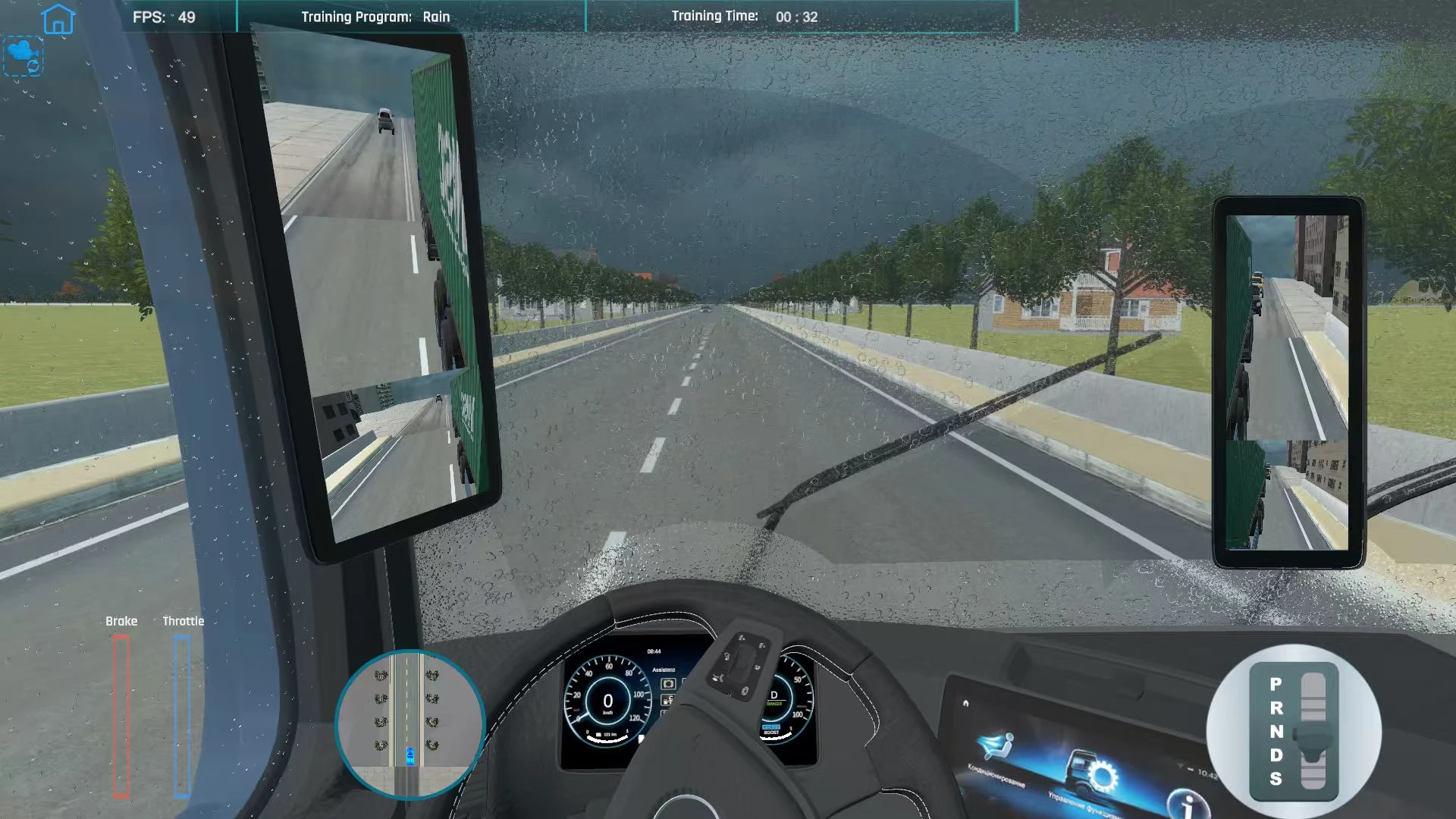
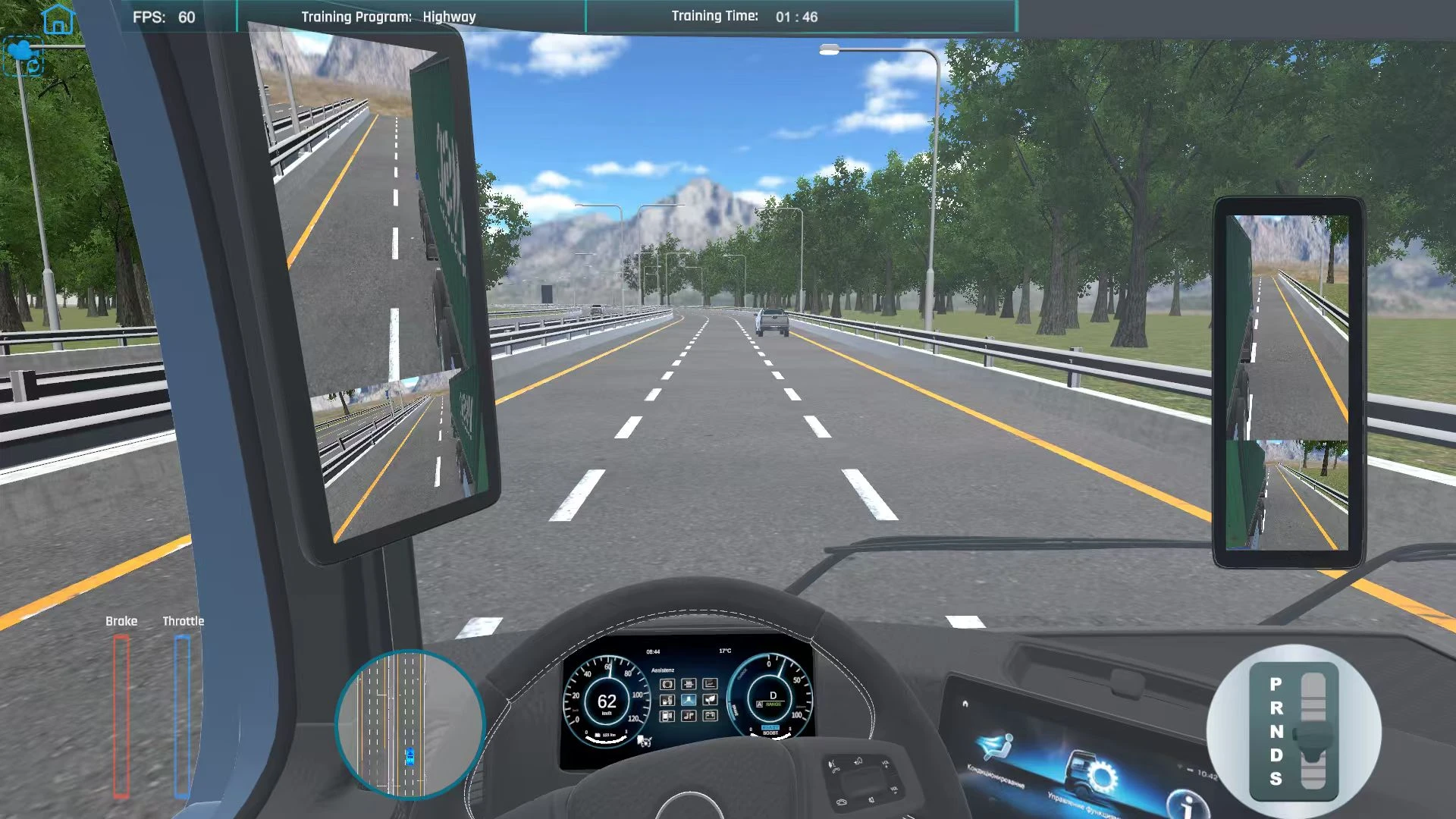
Town, city, motorway, mountain and gravel roads; night, rain, snow, fog and day/night changes, with corresponding weather effects.
Scenarios include alcohol and drug impairment, fatigue, speeding, brake failure, unexpected events, noise distraction, traffic direction and yielding to ambulances.
Detect stalling, red-light violations, lane crossings, collisions, speeding, unfastened seat belts, unreleased parking brakes and harsh acceleration or braking; record exercises, distance, fuel use, scores and error counts.
Results can be saved locally and printed. Local file formats depend on the delivered software version.
Single- or triple-screen support, dual mirrors on one screen, live pedal and gear indicators, mini-map and point-to-point navigation and route checks.
One software interface language is preinstalled: English, Arabic, Spanish, Romanian or Ukrainian, selected at order confirmation. VR, motion platforms and instructor workstations are available as extensions.
This page shows only a selection of software features and interfaces. Features may be added or modified in future software versions. The delivered software version and feature set are subject to the order confirmation.
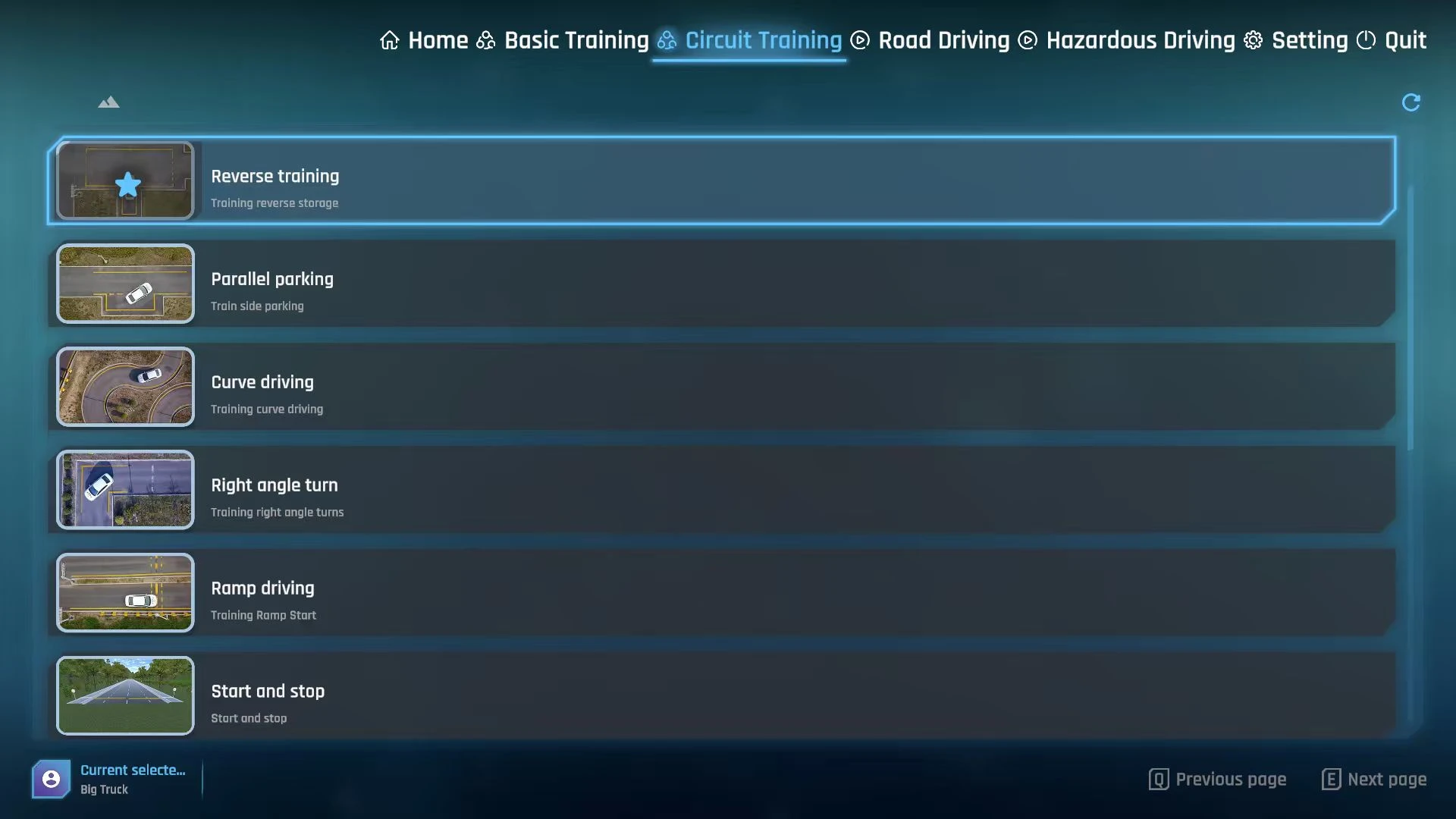
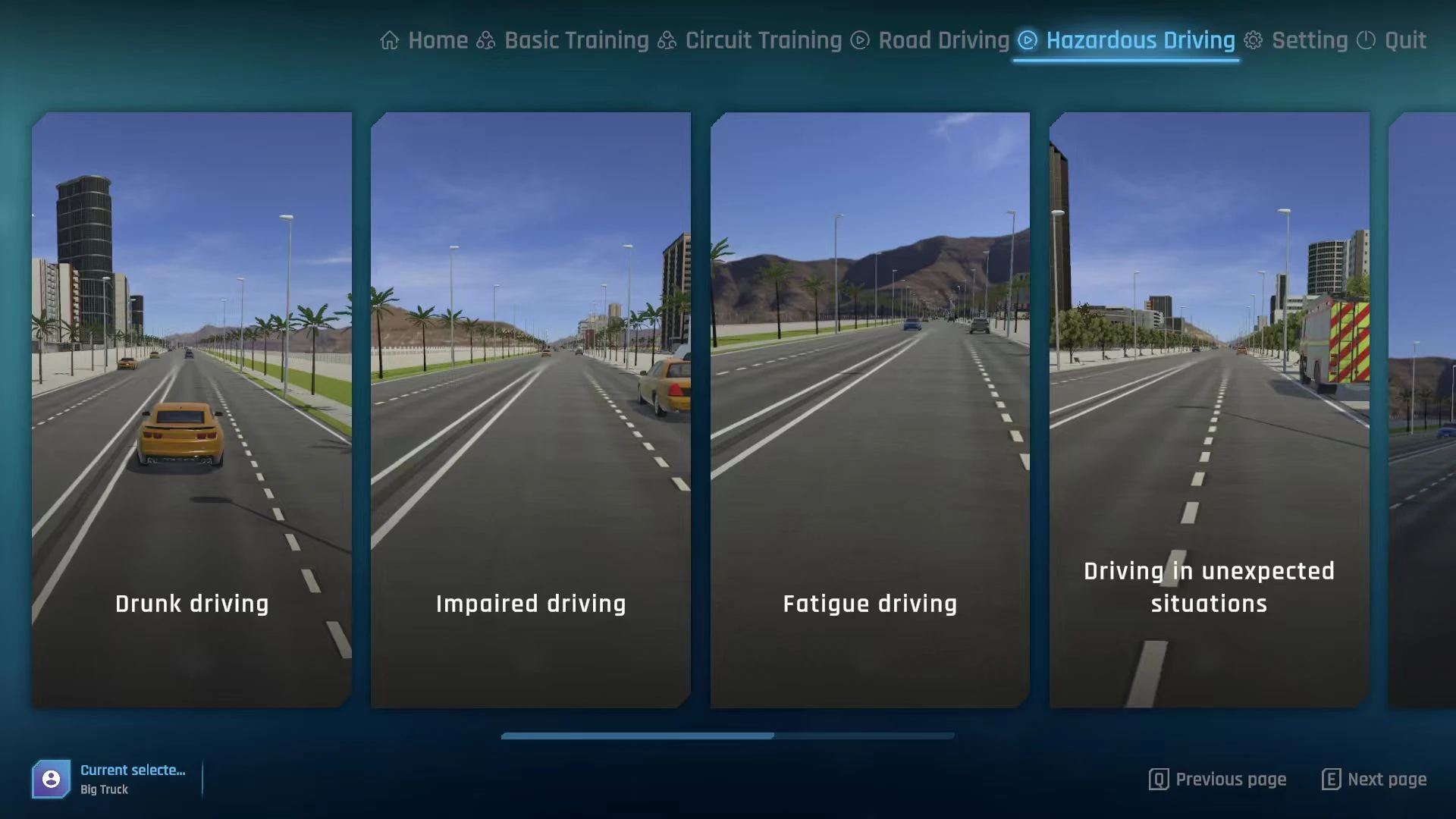
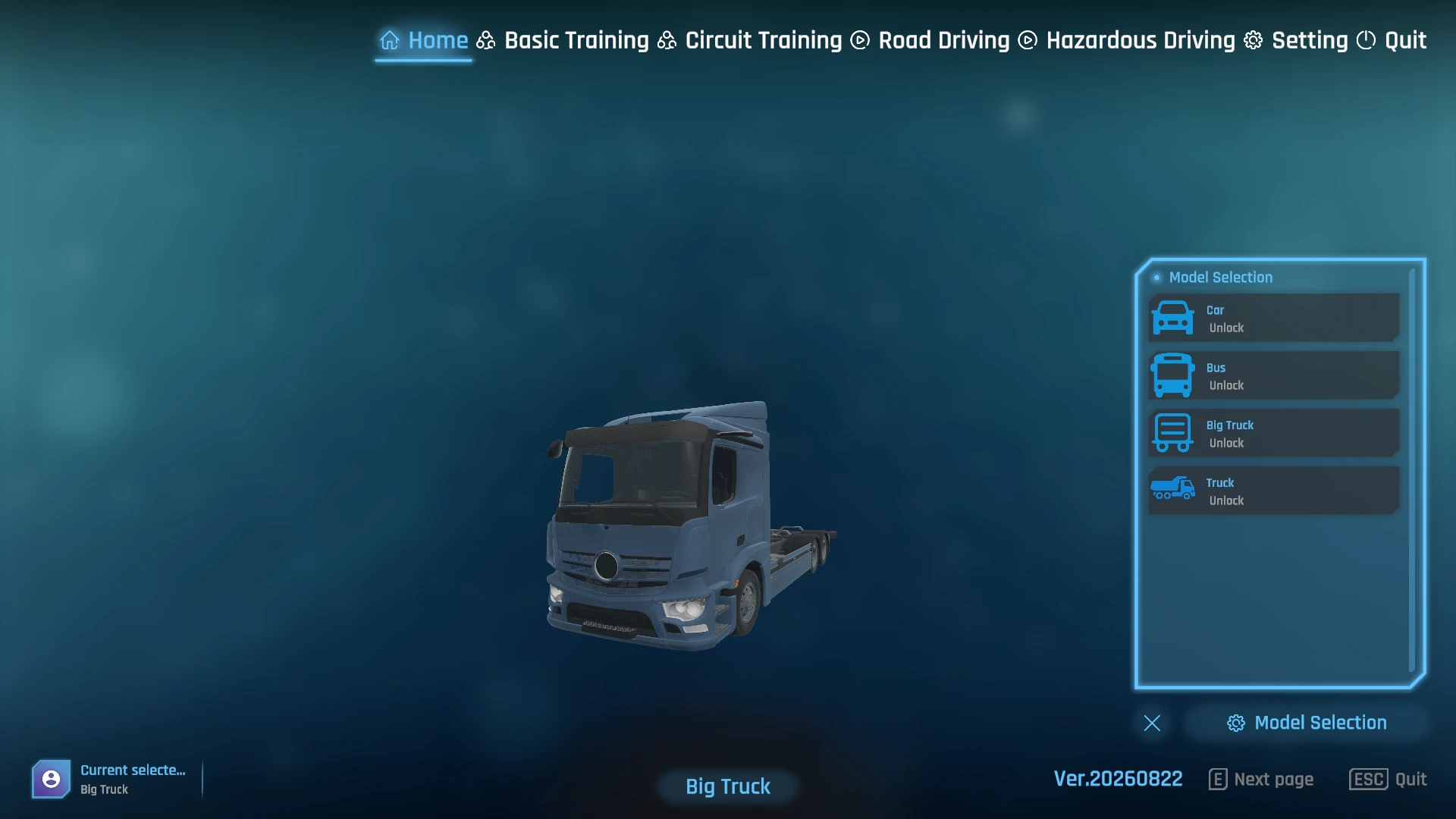
Monitor terminal status, assign tasks to one or several simulators and review learner results and errors. Functions and terminal capacity are confirmed by project.
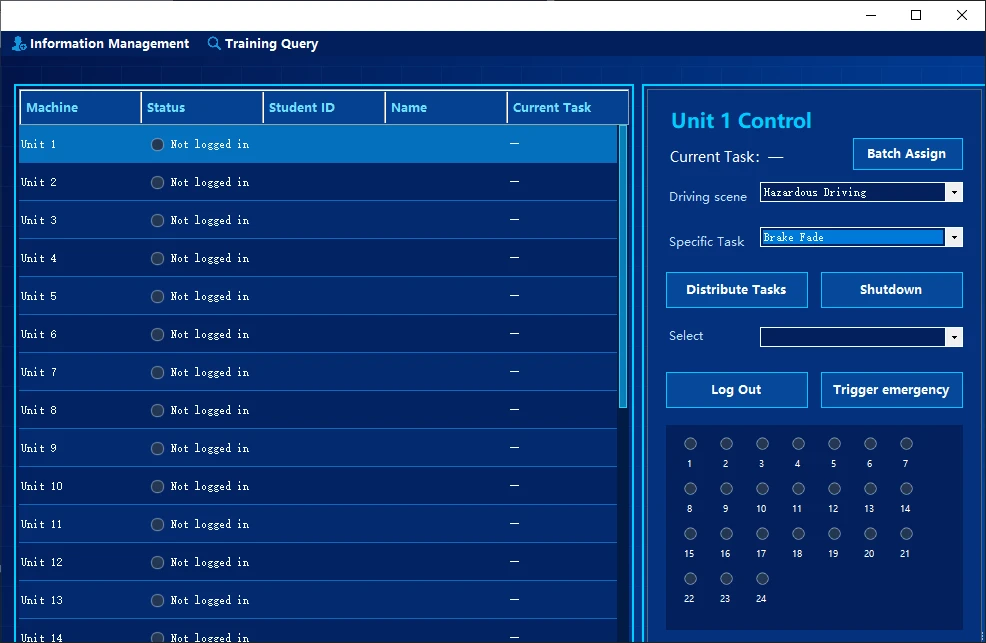
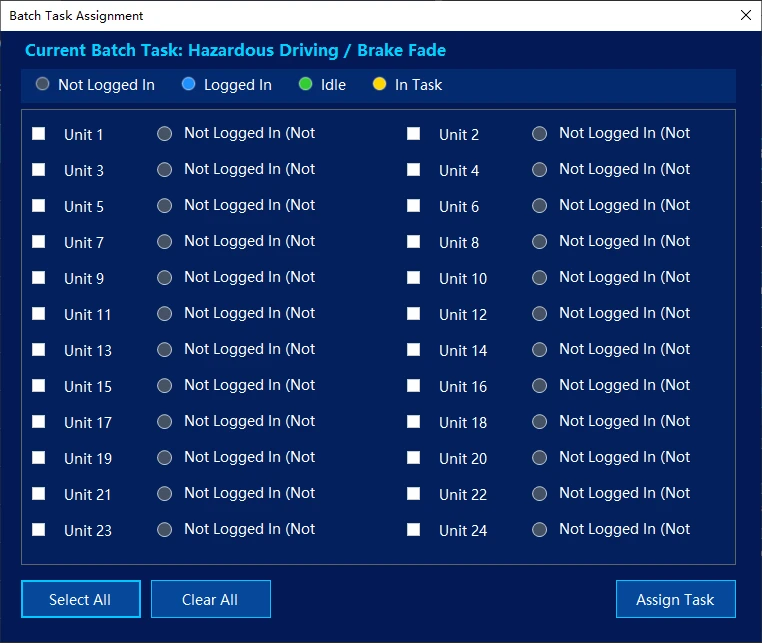
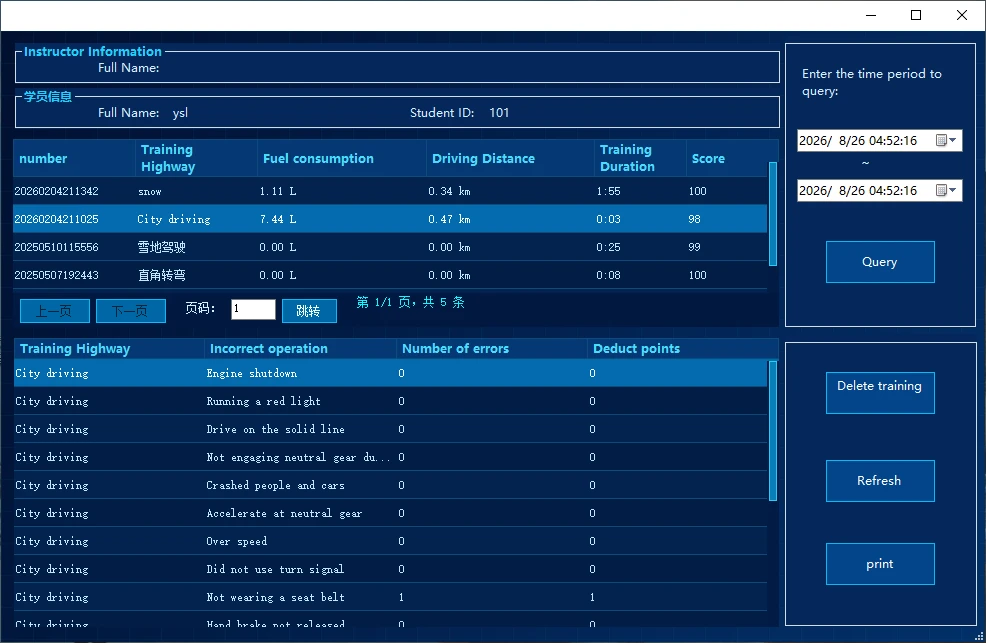
Vehicle types, languages, display arrangements and extensions are confirmed with the order. Custom features, timescales and fees depend on project requirements.
REAL PRODUCT DETAILS
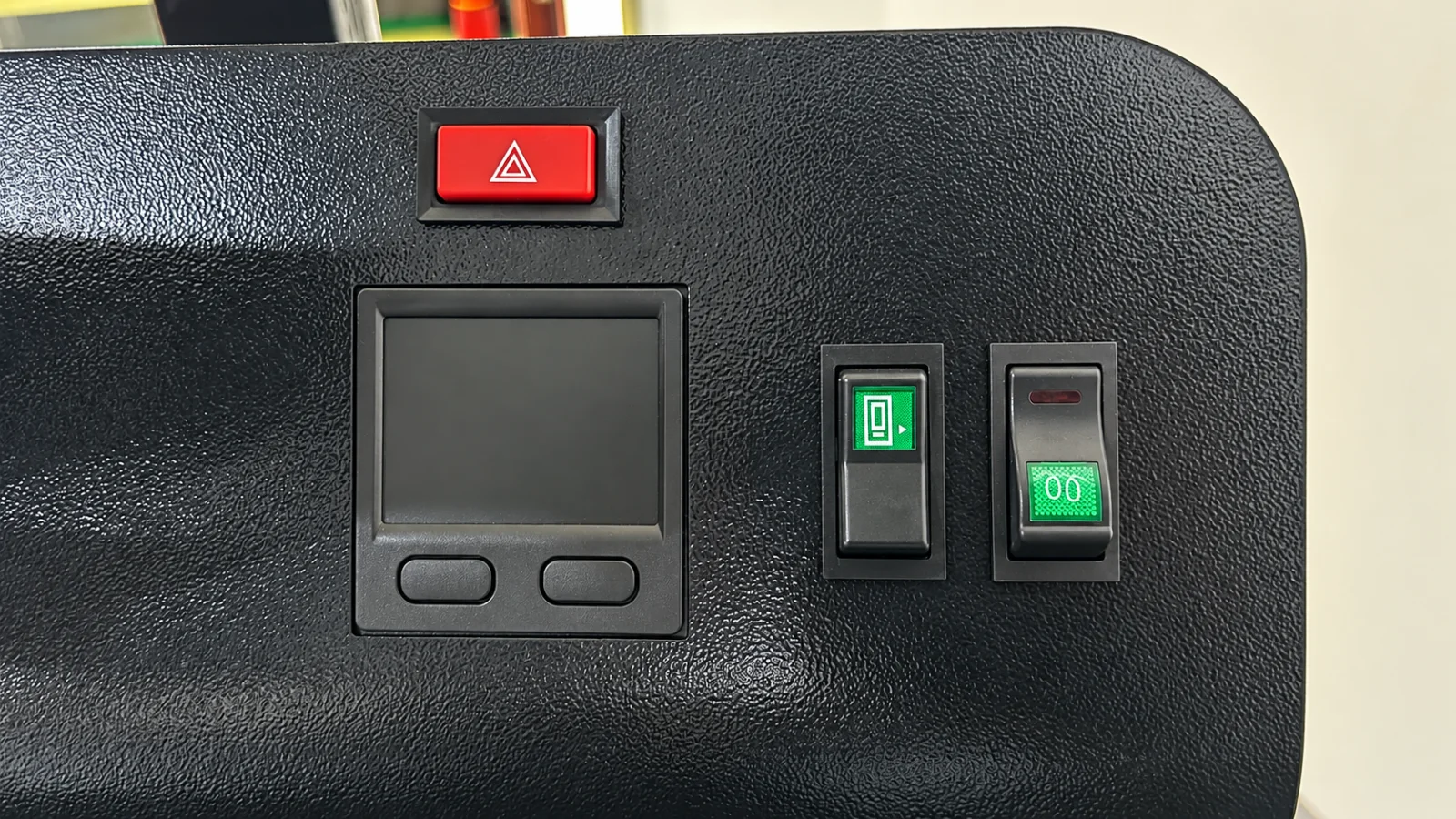
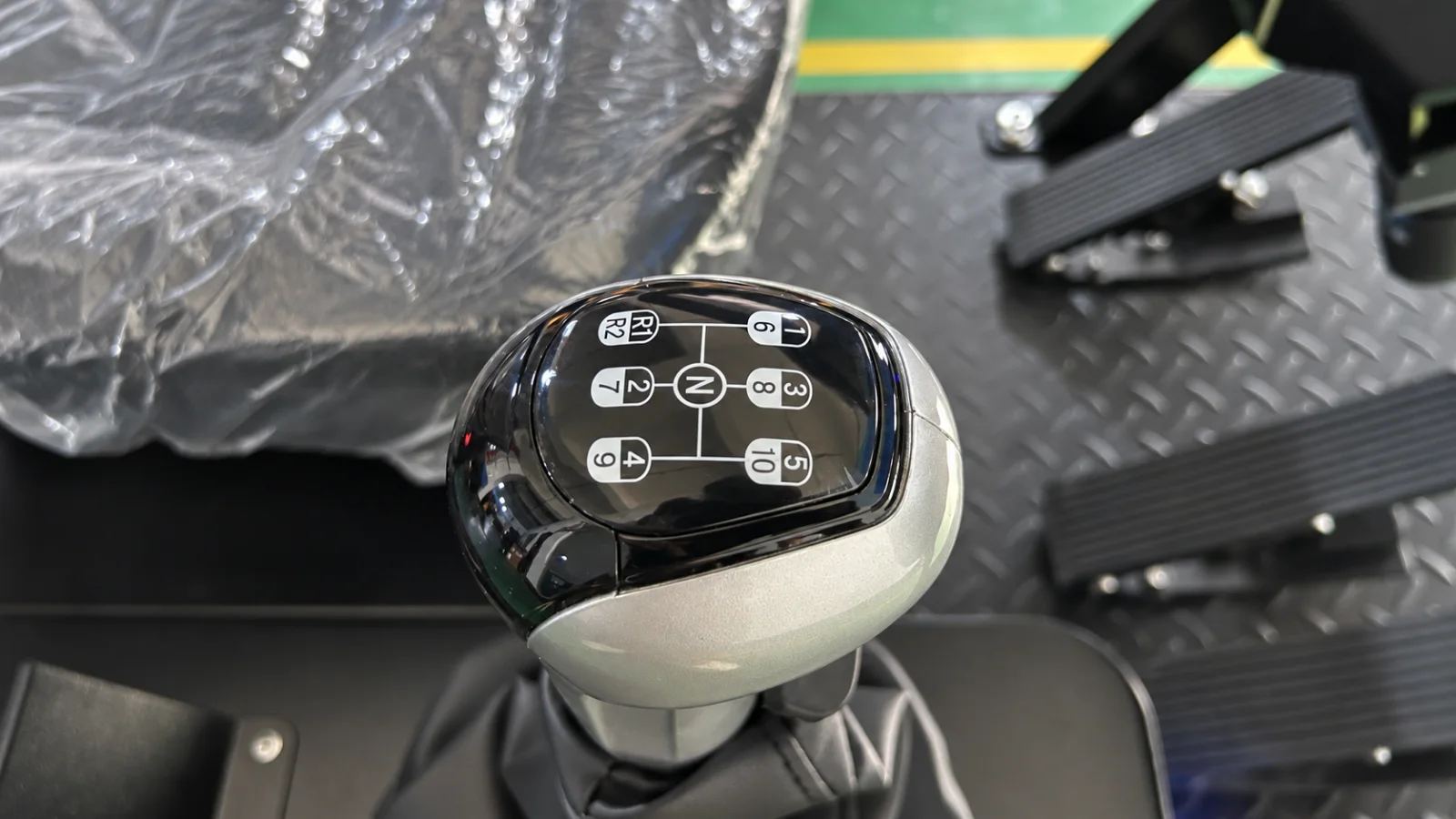
TECHNICAL DATA
| Standard specificationsDefault delivery scope for this model | |
|---|---|
| Vehicle class | Heavy / commercial vehicle driving training |
| Product form | Static:fixed base without motion feedback.Dynamic:A 3DOF or 6DOF motion platform can reproduce vehicle attitude and motion feedback. |
| Display system | 34-inch curved display |
| Standard colour | Black; other colours can be customised by project and confirmed with the order |
| Overall dimensions | 1530 × 850 × 1310 mm |
| Net equipment weight | 120 kg |
| Packing dimensions / gross weight | 1600 × 920 × 1230 mm (L × W × H); gross weight approx. 220 kg |
| Power supply and consumption | Standard input: AC 220 V (±10%), 50 Hz; power consumption approximately 600 W. Power input can be adapted to local supply standards, including AC 110 V. Voltage and frequency must be agreed at order confirmation and recorded in the final specification. |
| Computer configuration | Intel Core i5-6500; Gigabyte H110M-S2PH; GTX 1660 6 GB; 8 GB RAM; 128 GB SSD Reference configuration; brands and models may vary with availability and are confirmed in the final order specification. |
| Pre-installed software language | One software interface language is preinstalled: English, Arabic, Spanish, Romanian or Ukrainian. Select the language at order confirmation. |
| Steering force feedback | DC motor force feedback as standard; servo motor force feedback optional |
| Steering wheel rotation | From centre: 720° left and 720° right (2 turns each); total rotation 1440° |
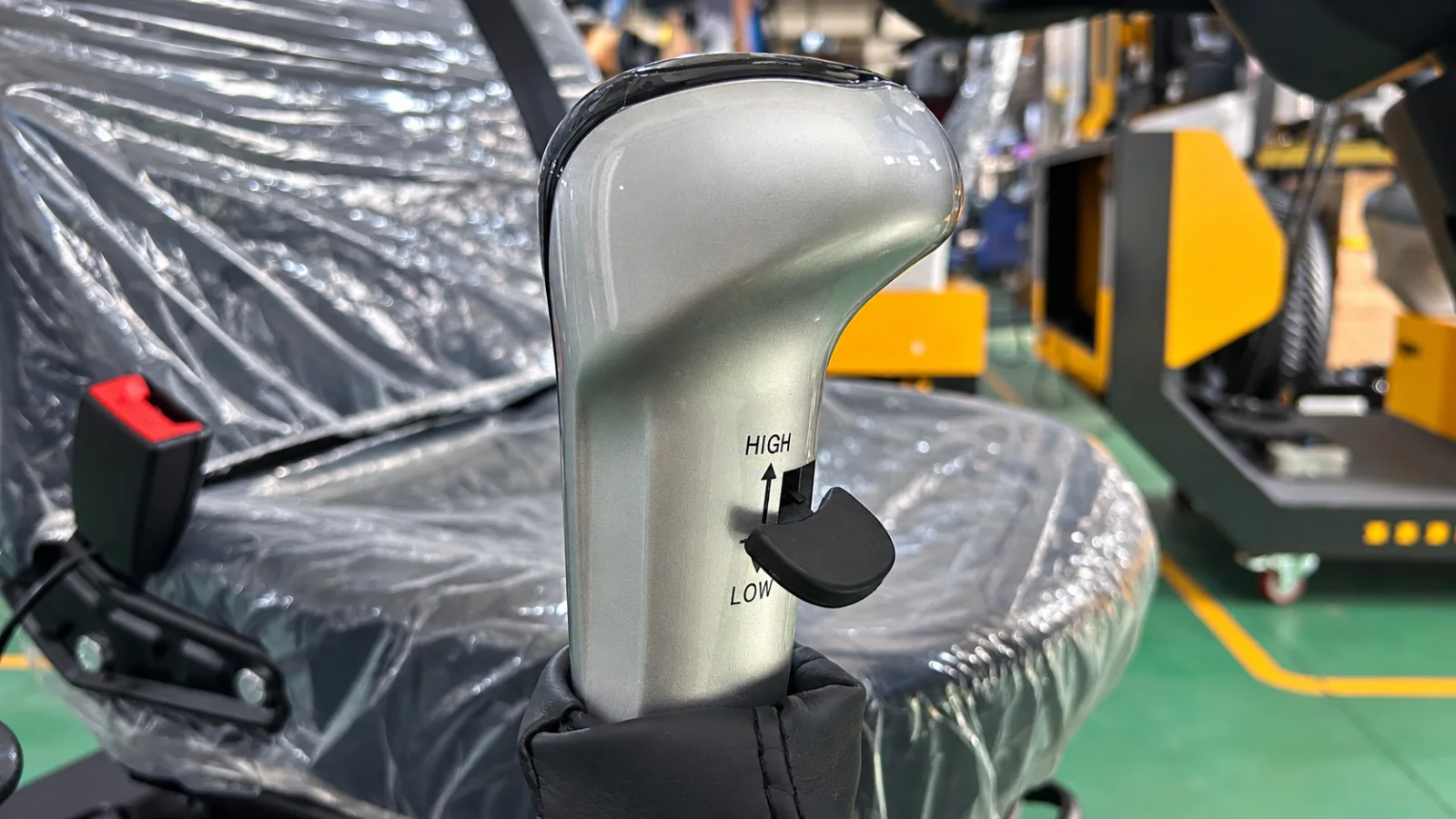
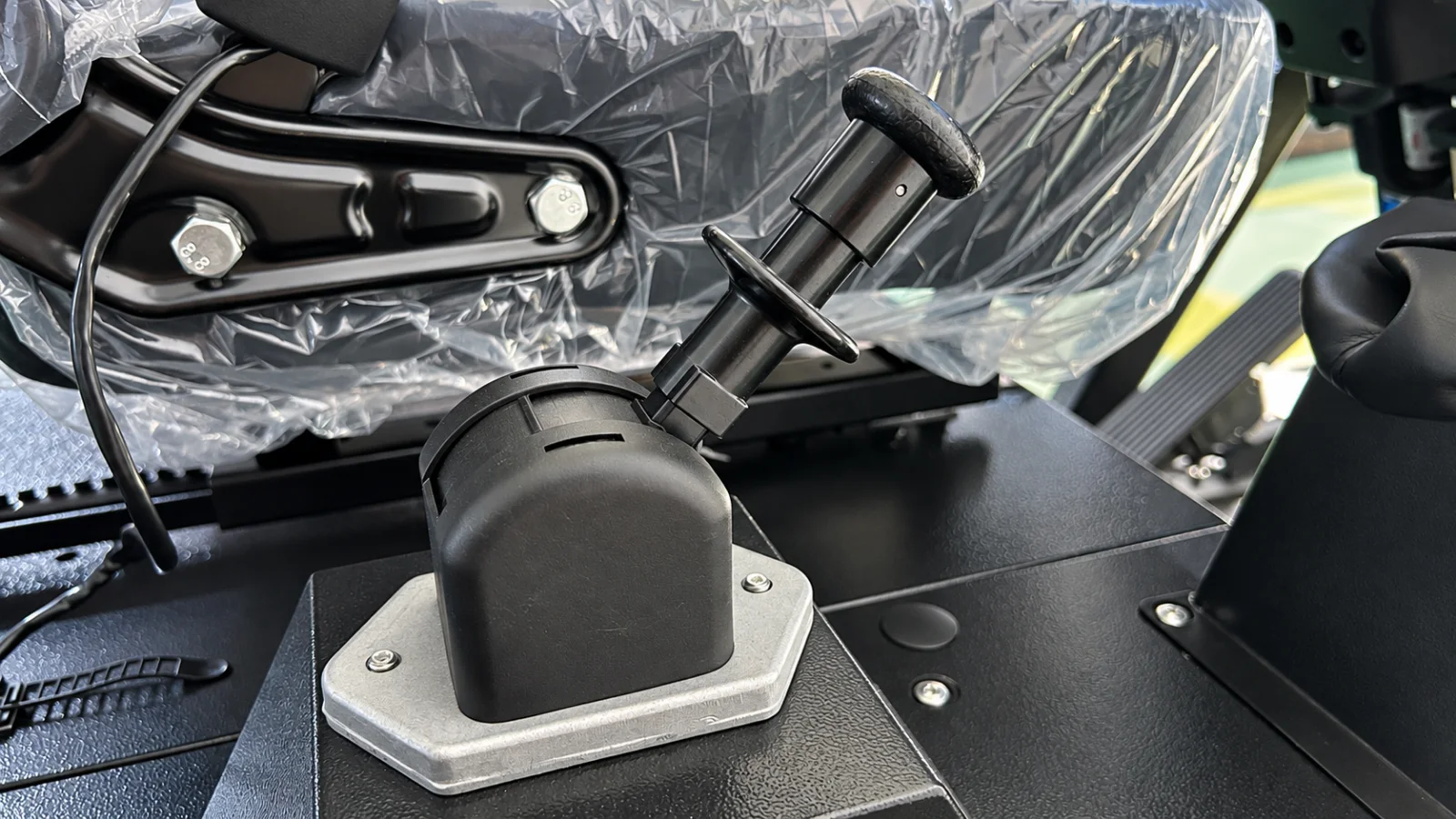
| Gear control | Manual gear controls with high / low range selection |
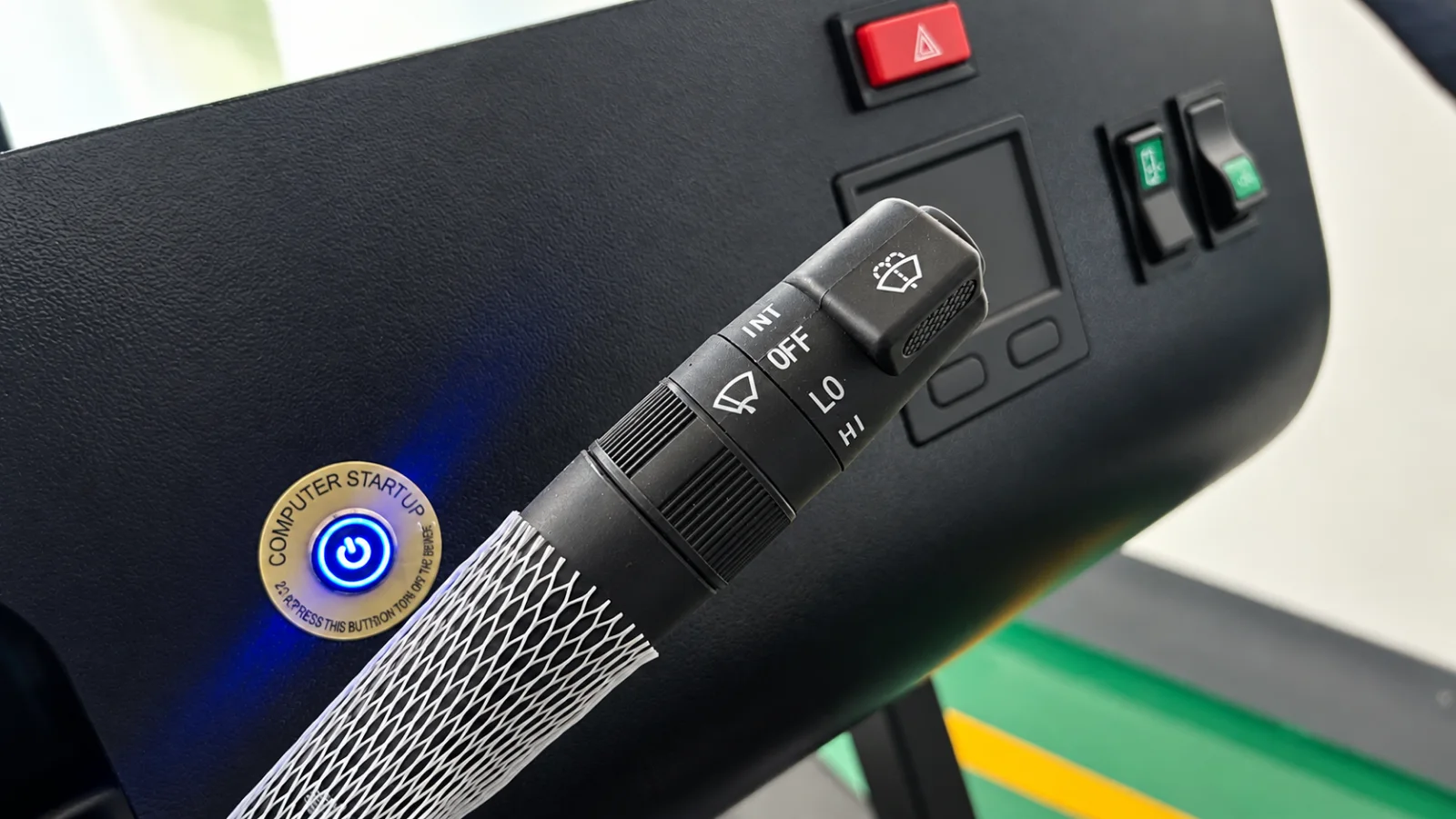
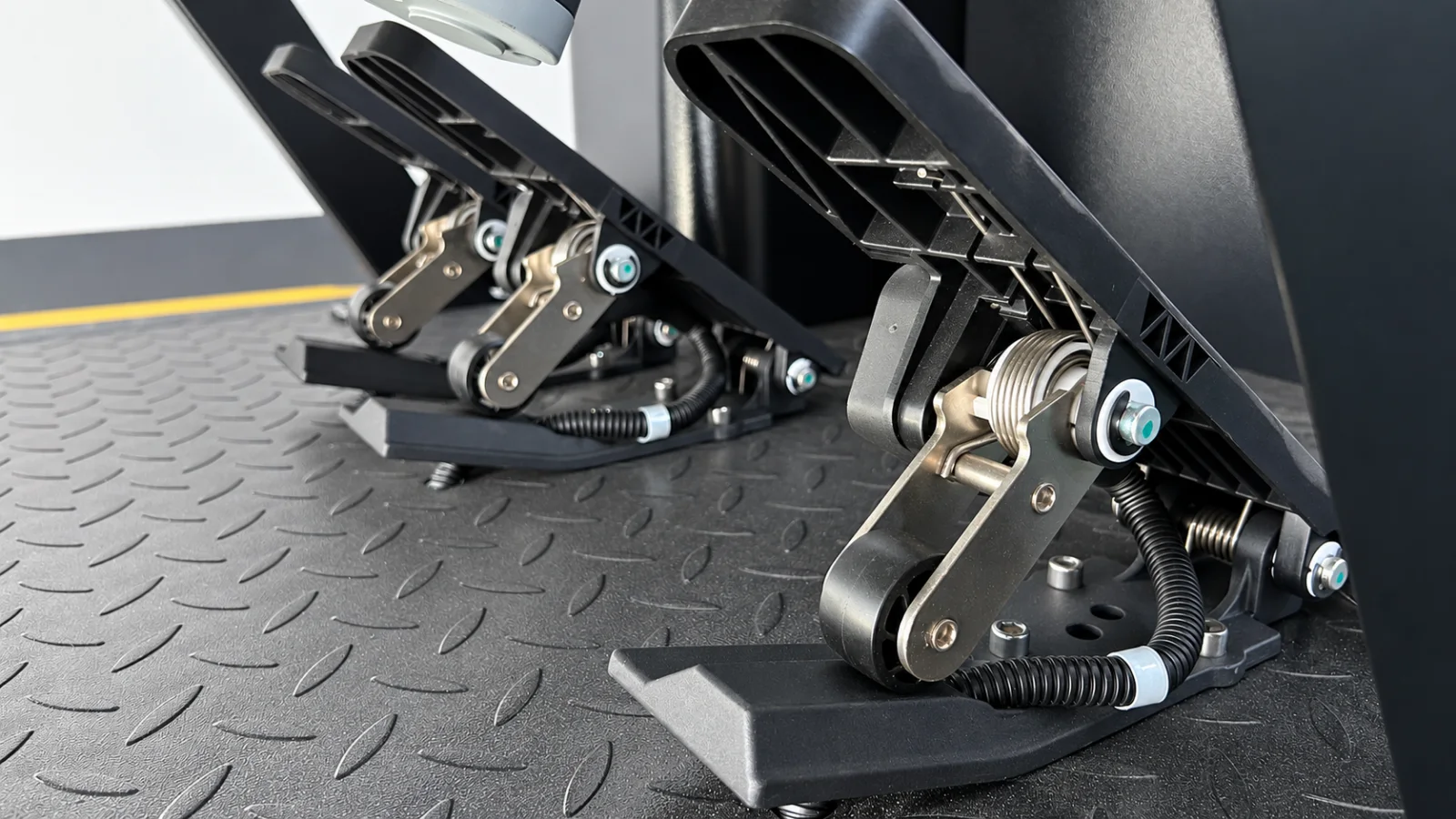
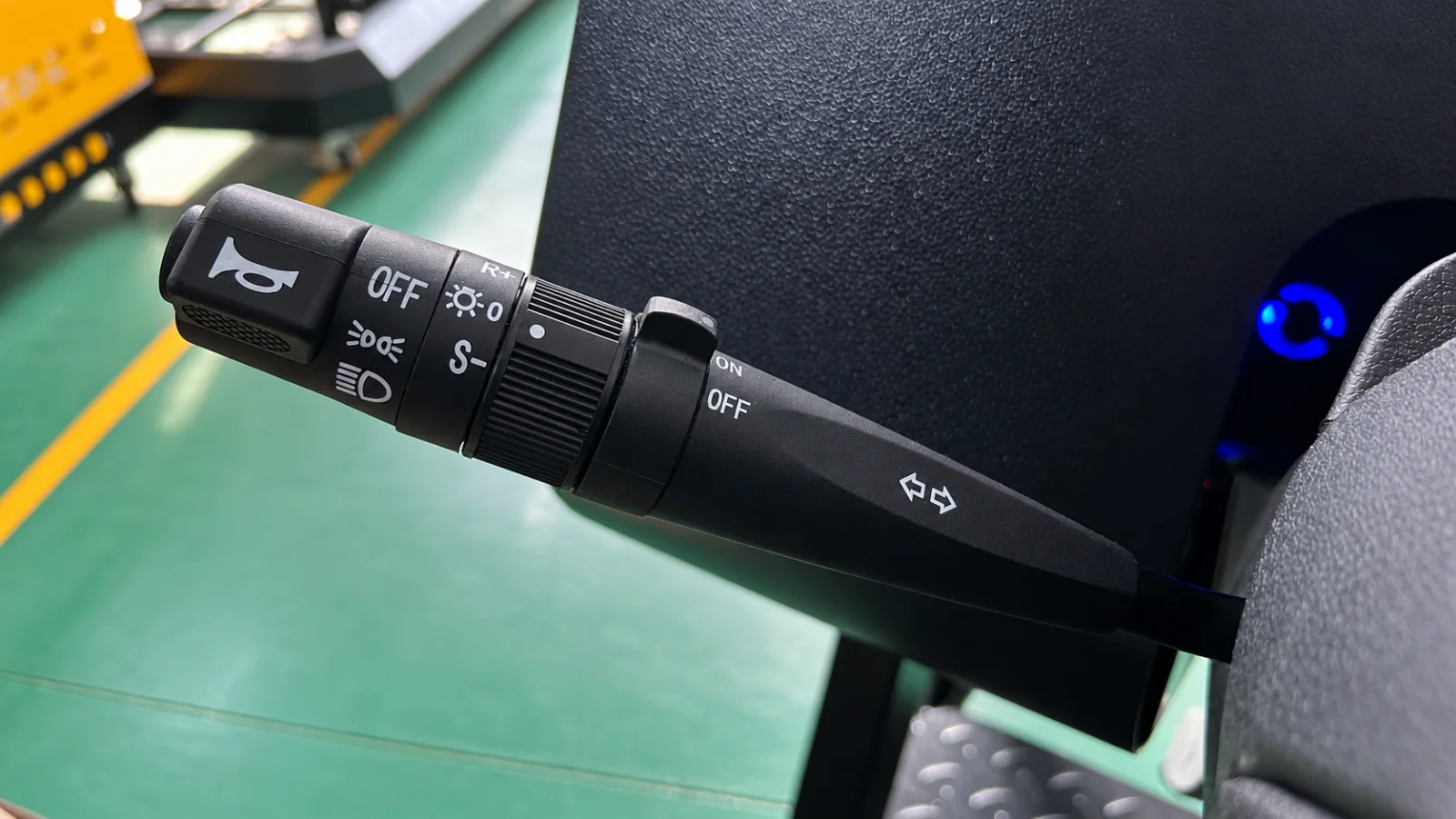
| Physical controls | Heavy-vehicle steering wheel, clutch / brake / accelerator pedals, parking brake and combination switches |
| Operating environment | 0–35 °C; 20%–80% RH, non-condensing |
| Optional extensionsNot included as standard; confirmed by project | |
| Servo motor steering force feedbackOptional | Optional servo motor steering force feedback; the standard configuration uses a DC motor |
| Motion platformOptional | A 3DOF or 6DOF motion platform can be configured; platform type, payload and motion parameters are confirmed per project |
| VR headsetOptional | VR headset and display solutions available by project; models, software compatibility and scope are confirmed for the application |
| Instructor workstationOptional | Instructor workstation available by project; hardware, management functions and terminal capacity are confirmed for each order |
| Software customisationOptional | Software customisation available; features, lead time and cost are agreed for each project |
DELIVERY & SUPPORT
Usually about 2–3 weeks after payment, subject to the confirmed order and configuration.
One export wooden crate per unit; see the specifications for packed dimensions and gross weight.
Software, hardware and overall operation are checked before dispatch.
A user manual is supplied. Remote installation guidance and operator training can be provided when required.
One-year hardware warranty. Standard new software features may be upgraded free of charge; confirm applicable conditions with sales.
Remote troubleshooting assistance is available; overseas on-site service is not currently provided.
Product documentation
Download product information matching this page’s configuration, specifications and software description.
PROJECT ENQUIRY
Share the country of use, learner group, quantity, display arrangement and any instructor workstation, VR or motion-platform requirements.
Request configuration and pricingAdvertising measurement
With your permission, we use Google Ads cookies to measure which ads lead to successful inquiries. You can reject measurement and still use the inquiry form. We do not send your form answers to Google or enable personalized advertising.
Cookie notice